
Settlements (Getting Paid as a Seller)
When you sell equipment on Meditech Auction, funds are transferred to your bank account after the buyer completes payment. Track your payouts here.
How Settlements Work
- Your auction ends and you win
- Buyer completes payment
- Meditech processes the transaction
- Platform fees are deducted
- Remaining balance is transferred to your bank account
Timeline:
- Payouts typically processed within 5-7 business days after buyer payment
- Transferred directly to the bank account connected to your Stripe account
Accessing Settlements
Go to Finance > Settlements in the left menu
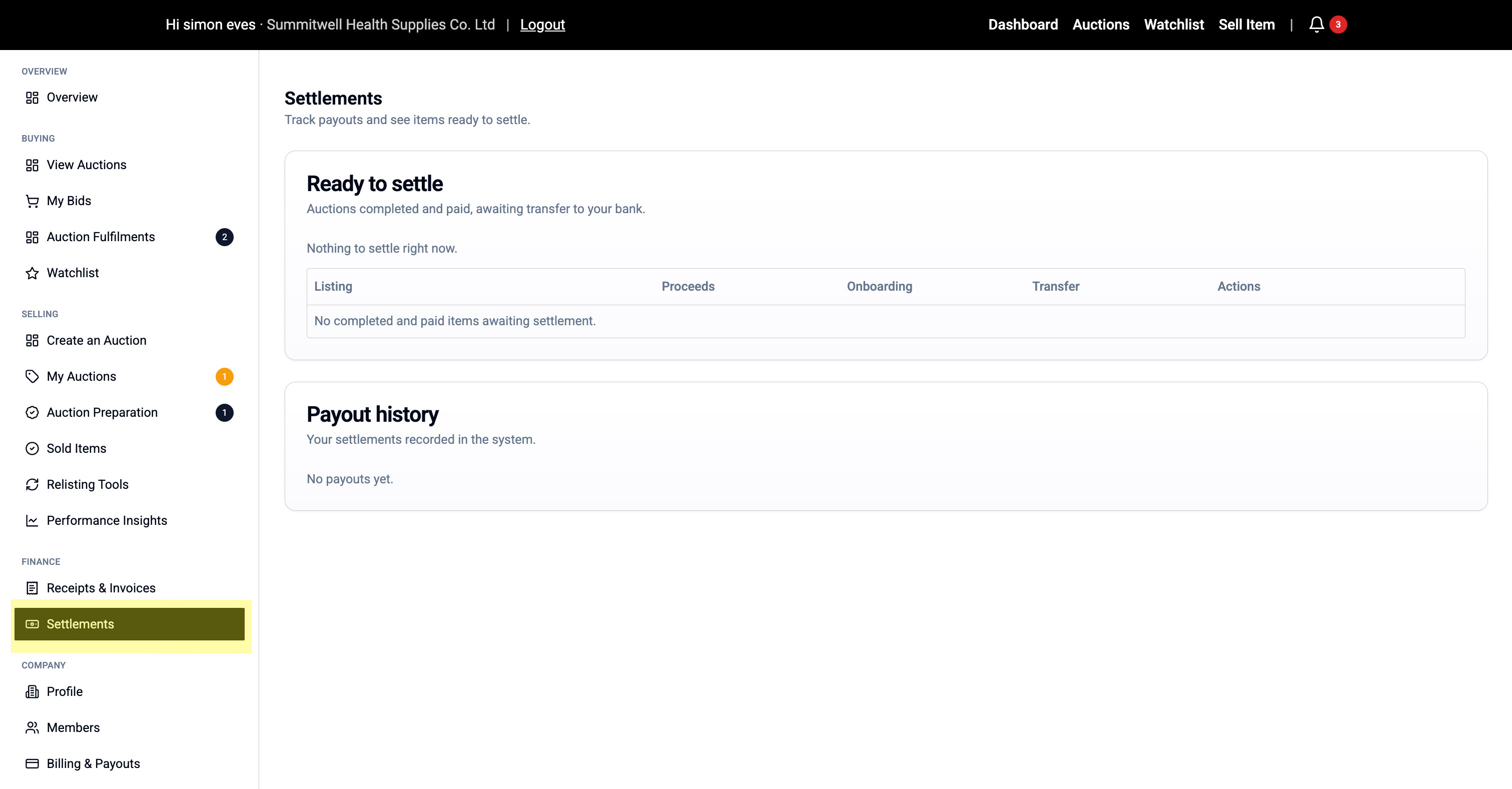
Understanding the Settlements Page
The page is split into two sections:
1. Ready to Settle Shows auctions that are:
- Completed and paid by buyer
- Awaiting transfer to your bank
- Includes estimated payout amount
If empty, it means:
- No completed sales waiting for payout
- All settlements have been processed
2. Payout History Shows:
- Past settlements that have been transferred
- Date of transfer
- Amount received
- Transaction reference
What Information is Shown
Each settlement displays:
- Listing (what you sold)
- Proceeds (sale price)
- Deinstallation (cost deducted if applicable)
- Transport (cost deducted if arranged)
- Net Total (what you receive)
- Status (Ready to Settle / Paid)
Questions About Settlements?
"When will I get paid?"
- Typically 5-7 business days after buyer completes payment
- Check "Ready to Settle" section for pending payouts
"Where does the money go?"
- Directly to the bank account linked to your Stripe account
- Update banking details in Company > Billing & Payouts
"What fees are deducted?"
- Platform commission (see Terms of Service)
- Any verified auction costs
- Deinstallation/transport costs (if applicable)
💬 Payment Questions? Contact our finance team at finance@meditechauction.com